
Most point-of-sale demos go the same way. Someone walks you through a tidy screen, rings up an imaginary burger, pulls a sales report, and asks which plan you would like. Everything works, because a demo is built to work.
What decides whether you are still happy in two years usually does not come up: what the bill looks like in month fourteen, who answers when a card reader dies at 7pm on a Friday, and who is responsible for the software running on the device your customers tap.
The stakes are not abstract. The Federal Reserve’s 2026 Report on Employer Firms found that rising costs of goods, services and wages was the most commonly reported financial challenge, and that 77% of firms reported that challenge, tariff-related cost increases, or both. The same report found that reaching customers and growing sales was the most common operational challenge, followed by hiring or retaining qualified staff. A point-of-sale decision sits on top of all three.
Here is what to ask before you sign.
Start with the total bill, not the headline rate
The processing rate is the most quoted and least useful number in this category. Card-present pricing usually depends on your business type, your volume, your card mix and underwriting approval, so a rate in an advertisement is a starting point rather than your price.
Better questions:
- What will I pay per month in total, including software, hardware, gateway and any per-device or connectivity fees?
- Is the rate you have quoted conditional on approval, and what can change it later?
- How long is the contract, and what does leaving early cost?
- Do I own the hardware or rent it? If I cancel, what do I hand back?
- Which charges are yours, and which are passed through from the card networks?
If you are considering a credit card surcharge or a cash-discount program, ask how the system applies it, how it appears to the customer before they pay, and who is responsible for keeping it inside card network rules and your state’s law.
Ask what happens on the worst day
A card reader that stops working mid-service is not a support ticket. It is lost covers.
- What are your real support hours, and what happens outside them?
- If a terminal stops working, will anyone on your side notice before I call?
- How quickly can I get a replacement, and who pays for it?
- What happens to tickets that are already open when a device fails?
- Can I keep taking payment if my internet drops? If so, for how long, and what are the limits?
Treat that last one as a question that needs detail rather than a yes. Offline behaviour varies between providers, and the limits are the whole answer.
Ask who keeps the terminal’s software current
This is the question almost nobody asks, and the one with a written standard behind it.
A payment terminal is a small computer, and it needs security updates like any other. The PCI Security Standards Council’s Self-Assessment Questionnaire B-IP, which covers merchants taking payments through standalone PCI-listed terminals connected over IP to a processor, sets the expectation at Requirement 6.3.3: critical or high-security patches are “installed within one month of release.”
Identification and management of security vulnerabilities for PTS POI devices are often handled by the merchant’s terminal provider or processor. The merchant should contact the entity managing its terminals to understand how this requirement is met and the responsibilities of the merchant and of the entity managing the terminals.
So the standard itself tells you to settle this with your vendor. Ask any provider, including us:
- Who installs software and security updates on the terminal: you, me, or the processor?
- Do updates reach the device remotely, or does somebody have to handle it in the shop?
- Can you tell me which software version each of my terminals is running today?
- If an update causes a problem during service, what is the route back?
A vendor who can answer those four has thought about it.
Ask how it fits the way you actually trade
Cash is still in the room. The Atlanta Fed’s Survey and Diary of Consumer Payment Choice reports that paying with cash in the prior 30 days declined from 83% of consumers in 2024 to 81% in 2025. A system that treats cash as an afterthought will show up in your drawer counts.
Then work through your own floor:
- How do tips flow through to payroll?
- Do online and delivery orders land in the same queue as counter orders, or does someone retype them?
- Who can change a menu item or a price, and how long does it take?
- Which reports would you genuinely open on a Monday morning?
- How long does it take to train a new server?
- If you leave, can you export your sales history and customer records, and in what format?
A checklist to take into the demo
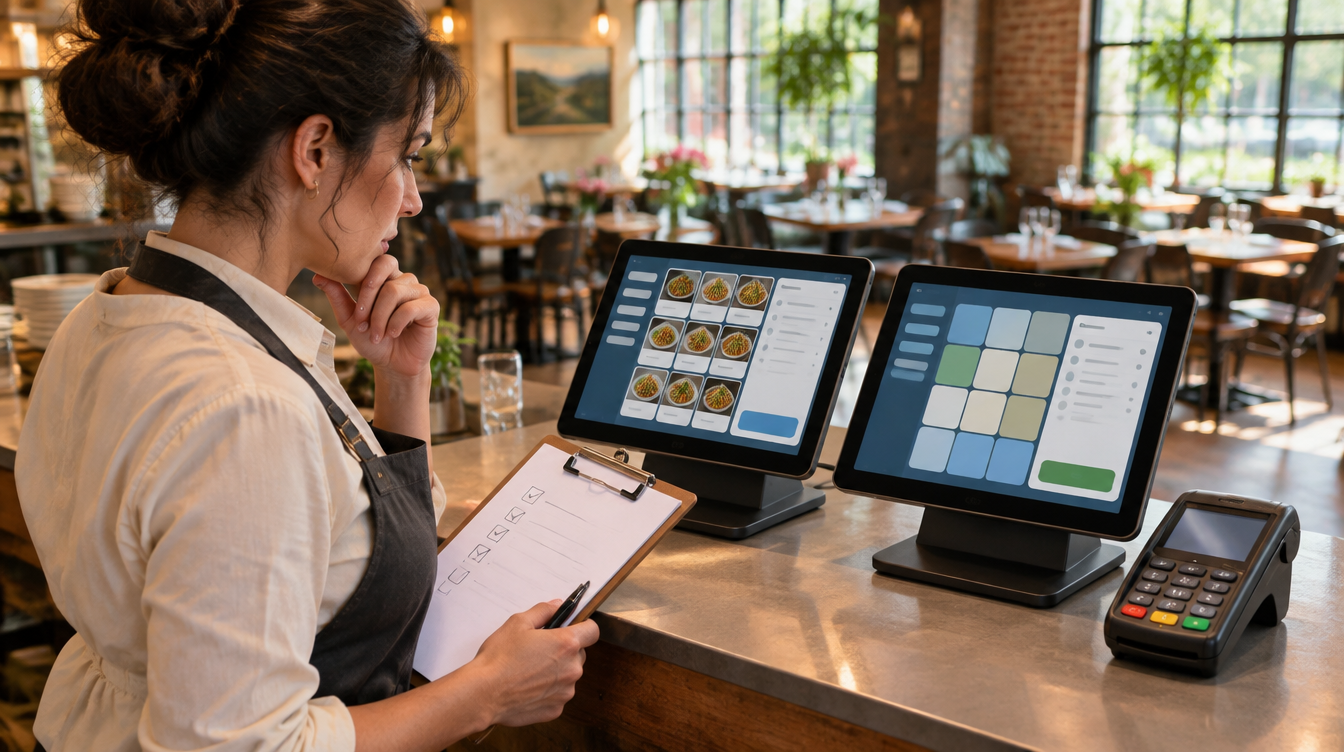
Print this and make the salesperson answer it line by line.
- Total monthly cost, every fee itemised
- Rate conditions, and what changes them
- Contract length and early exit cost
- Hardware owned or rented, and who repairs it
- Support hours, and out-of-hours cover
- Replacement time for a failed terminal
- Offline payment behaviour and its limits
- Who installs terminal security updates
- Whether you can be told each terminal’s current software version
- The rollback plan when an update goes wrong
- Cash, tips and gratuity handling
- Online and delivery order routing
- Menu and price change control
- Reporting you will actually use
- Staff training time
- Data export when you leave
Frequently asked questions
How long should this decision take?
Longer than one demo. Ask for the contract and the fee schedule to read on your own time, then come back with the checklist above.
Should I just take the lowest advertised rate?
The advertised rate is rarely the rate you are offered, and it is only one line of the bill. Compare total monthly cost against your real volume.
Do I need to buy new hardware?
Not always. Some providers will review equipment you already own for compatibility. Ask what passes, what does not, and who carries the risk if a device fails later.
What should I insist on in writing?
Fees and what can change them, contract length and exit terms, support hours, replacement times, and who is responsible for terminal software updates.
Talk it through
EsyPay builds point-of-sale and payment systems for restaurants, retail shops and other local businesses. If you would like to work through this checklist against what you are running today, contact us and tell us your business type. Published contact hours are Monday to Saturday, 9:00 AM to 6:00 PM.