Self-Order Kiosks for Restaurants: How to Stop Losing Guests to the Lunch Rush Line
Twelve people in line. Two just walked out. If you run a quick-service or fast-casual restaurant, a cafe or a deli, you have probably watched that exact moment from behind your own counter. It is easy to blame it on being short-staffed. Very often, though, the real issue is not how many people you have on shift. It is that every single order has to squeeze through one register and one pair of hands. That is an ordering bottleneck, and a self-order kiosk is one of the most direct ways to open it up.
Why Long Counter Lines Are an Ordering Problem, Not Just a Staffing Problem
At the peak of lunch, your counter does several jobs at once: it greets guests, answers menu questions, takes custom orders, handles payment and keeps the line moving. When all of that runs through one station, the line can only move as fast as that one station. Adding another person helps, but only if you have the people, the space and a second register to put them on.
Guests feel the bottleneck before they ever reach the front. A line that looks slow from the door is often the reason someone decides to eat somewhere else today.
Signs your restaurant has an ordering bottleneck
- The line backs up toward the door at the same times every day, even when the kitchen is keeping up.
- Your best cook or manager keeps getting pulled to the register during the rush.
- Guests take a long time at the counter because they are deciding, customizing or asking questions.
- Orders are called out across a loud kitchen, and mistakes happen when they are misheard.
- You notice people walk in, look at the line and walk back out.
What a Self-Order Kiosk Does
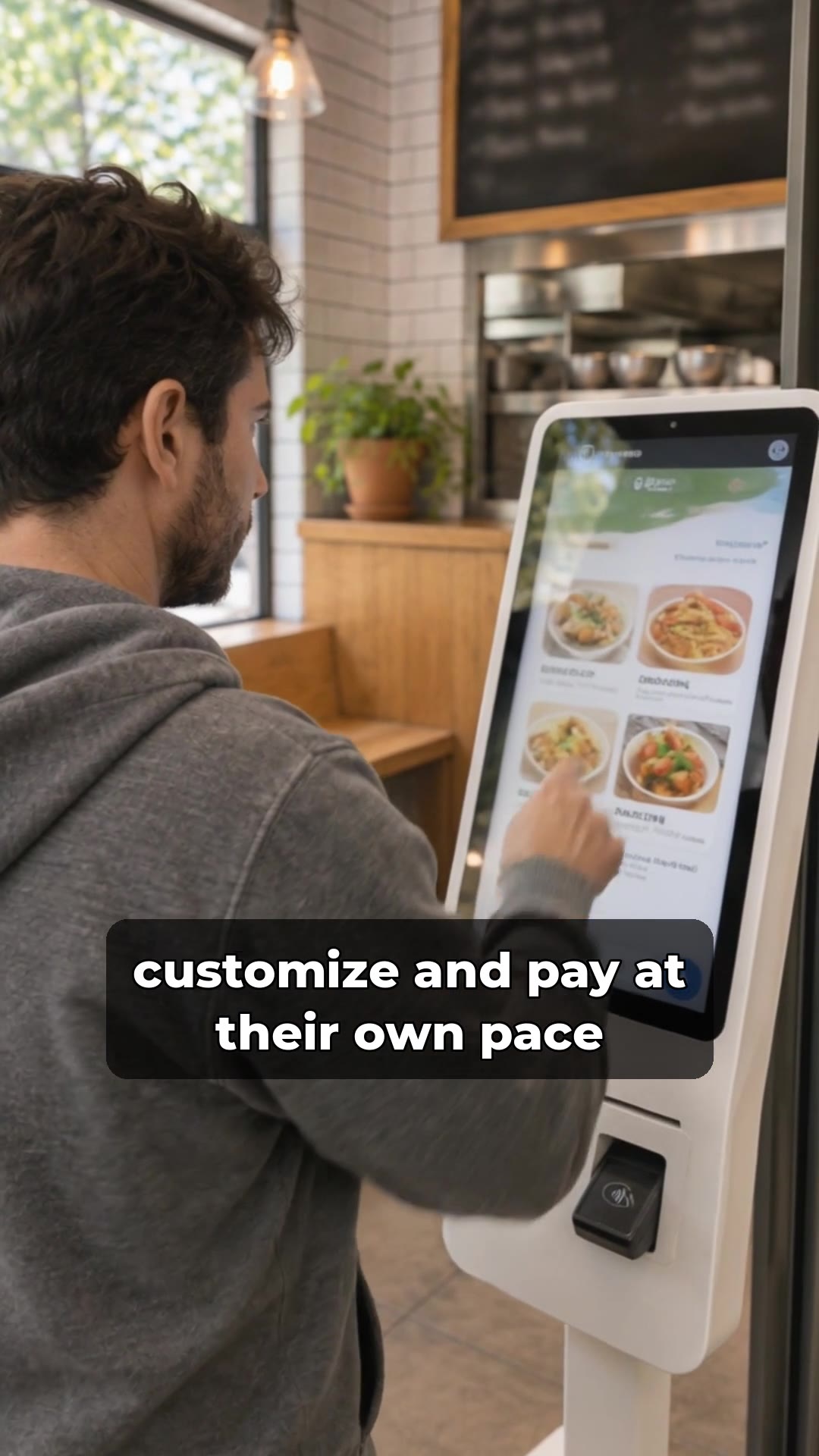
A self-order kiosk is a touchscreen station where guests browse your menu, customize their order and pay on their own. Instead of everyone waiting for one cashier, several guests can order at the same time, at their own pace. Your counter stops being the only way in, and your team can stay focused on making the food and serving it well.
Key features to look for
- Menu browsing with photos and descriptions so guests can decide without needing to ask.
- Modifiers and customizations such as sizes, add-ons, swaps and special instructions.
- Built-in payment so guests can order and pay in one step.
- Easy menu updates so items, prices and sold-out items stay current.
- Connection with your restaurant POS so kiosk orders show up alongside counter orders.
- Clear tickets for the kitchen, ideally on a kitchen display, so the crew reads the order instead of hearing it shouted across the line.
Who Self-Order Kiosks Are For
Kiosks are a natural fit for restaurants where guests order at a counter and the menu has choices people like to customize:
- Quick-service and fast-casual restaurants
- Bowl, salad, burger, sandwich and taco concepts
- Cafes, bakeries and coffee shops with busy morning or lunch peaks
- Delis and counter-service shops with one to a few locations
- Owners who work the line themselves and want more of their time back on the food
You do not have to think of yourself as a technology buyer to benefit. The goal is simple: more ways for guests to place an order, so the line keeps moving.
How to Introduce Kiosks Without Confusing Your Regulars
Keep the counter open
Kiosks work best alongside your counter, not instead of it. Some guests will always prefer to order from a person, and that is fine. The kiosk takes pressure off the line so the people at the counter get faster, friendlier service too.
Place kiosks where guests see them first
Put kiosks near the entrance or at the start of the line, where a guest can choose a kiosk before joining the queue.
Keep the kiosk menu simple
Use clear categories, good photos and short names. If a guest has to hunt for an item, the kiosk loses its advantage.
Train the team on one thing: helping guests start
For the first few weeks, have someone ready to show a first-time guest how to begin an order. Most people only need to be shown once.
Questions to Ask Before You Choose a Kiosk
- Does the kiosk connect with the POS I use, or would I need to change POS?
- How do kiosk orders reach my kitchen: printed tickets, a kitchen display, or both?
- How easy is it for me to change the menu, mark items sold out or add specials?
- What payment types does the kiosk accept?
- What does setup involve, and who helps me if something stops working during service?
- How does the kiosk support guests with disabilities? The U.S. Department of Justice publishes guidance at ADA.gov that is worth reviewing with any vendor.
- What are the full monthly costs, and what is included in each plan?
For broader help planning equipment and technology decisions for a small business, the U.S. Small Business Administration has practical guides on managing and growing your business. The National Restaurant Association also shares industry resources for operators.
Frequently Asked Questions
Will a self-order kiosk replace my staff?
A kiosk is a way for guests to place orders. It does not cook, serve or welcome guests. Many owners use kiosks so their team can spend less time taking orders and more time on food and hospitality.
Do guests actually use kiosks?
Many guests are already used to ordering on screens from their phones and at other restaurants. Keeping a counter open as well lets every guest choose the way they prefer.
Can a kiosk work in a small restaurant?
Yes. Kiosks come in floor-standing and countertop styles, so even a small dining room can usually fit one near the entrance.
What else should I pair with a kiosk?
A restaurant POS and a kitchen display are common companions. Together they help keep counter orders, kiosk orders and kitchen tickets in one organized flow.
Keep Your Lunch Rush Moving with EsyPay.app
EsyPay.app works with independent restaurants on self-order kiosks, restaurant POS systems and kitchen displays, with fast setup and reliable support. If walk-outs during the rush sound familiar, let us talk through your counter, your menu and your goals.
Get your free quote at esypay.app/get-started, explore everything we offer at EsyPay.app, or contact the EsyPay team with your questions.