
Kitchen Display Systems for Independent Restaurants: What a KDS Screen Actually Does at the Pass
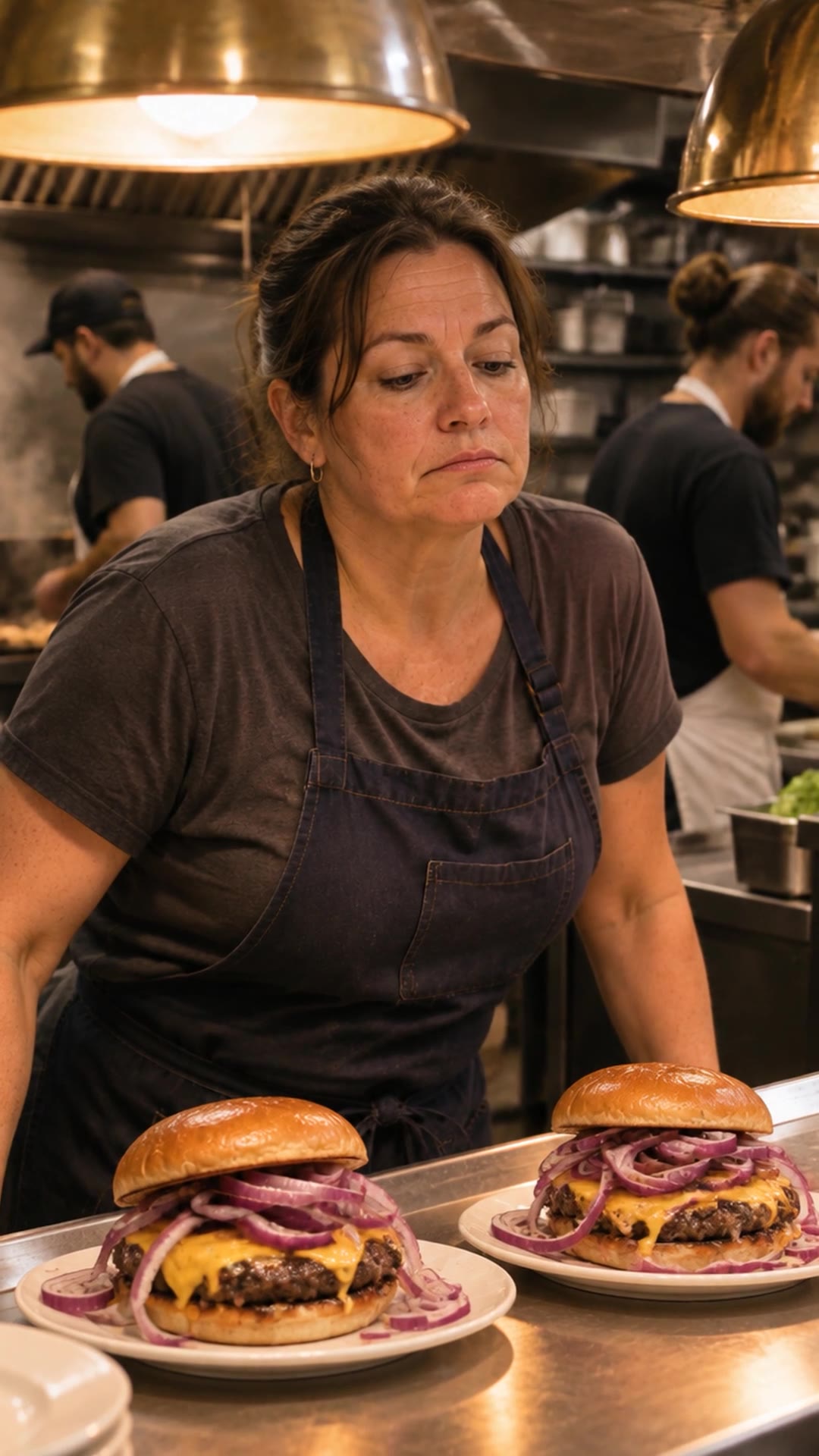
Every independent restaurant has lived this Friday: the owner calls ‘Table four, burger, no onions!’ toward the line, the grill cook passes it along as ‘burger, more onions,’ the prep cook hears ‘two burgers,’ and a few minutes later two onion-loaded burgers are sitting in the window. Nobody did anything wrong. The order simply traveled by ear across a loud kitchen, and ears are not a reliable way to move a ticket.
This guide explains what a kitchen display system (KDS) is, what it is responsible for during service, how the software differs from the screen, and what to check before you mount a display in a hot, greasy kitchen. If you would rather talk it through with a person, you can get a free quote from EsyPay.app.
How tickets reach the line in most independent kitchens today
Most small restaurants move orders to the kitchen in one of three ways, and many use a mix of all three on the same night:
- By voice. A server or the owner calls the order at the pass. It is fast when the room is quiet and fragile when the hood fans, the dish machine and the grill are all running.
- On a paper pad. Handwritten tickets are clipped to a rail. They work until handwriting gets rushed, a ticket falls behind the line or a modifier is squeezed into a corner.
- On a kitchen printer. Printed tickets are easier to read, but they still need to be hung, sorted, shared between stations and pulled when the plate goes out.
Each method can work. The common weak point is the handoff: every time an order is repeated, rewritten or passed from one station to the next, there is another chance for ‘no onions’ to become ‘more onions.’
What a kitchen display is responsible for
A kitchen display puts the order on a screen at the pass or at a station, so your crew reads the ticket instead of hearing it over a loud line. In practical terms, a KDS is there to:
- Show each order as written, including modifiers like ‘no onions,’ so the cook works from the same text the server entered.
- Keep open tickets in view in the order they arrived, instead of in a stack of paper.
- Let the kitchen mark a ticket as done, so finished orders leave the screen and the pass stays clear.
- Give the person running the pass one place to check what is still cooking.
A display does not replace a good expo or a well-run line. It removes one specific failure, the order changing as it is repeated, so your people can spend their attention on cooking.
KDS software vs. a KDS screen
It helps to separate the two, because they are often priced differently.
The KDS panel (software)
The software panel is what organizes and shows the tickets. According to the EsyPay.app pricing page, every plan includes a Kitchen Display System (KDS) panel, along with self-order kiosk software, QR code ordering at each table, TV menu and price displays, cash register software and an online ordering website.
The KDS screen (hardware)
The screen is the physical display mounted in the kitchen. On the EsyPay.app pricing page, a physical KDS screen appears in the equipment-based plans rather than in the bring-your-own-equipment plan. The published plans are:
- Option 01, Bring Your Own Equipment: $80 per month. The software, including the KDS panel, runs on equipment you already own.
- Option 02, EsyPay Equipment Rental: $210 per month. An equipment-based plan that includes rental hardware.
- Option 03, Complete POS and Processing: $270 per month. An equipment-based plan that combines the system with payment processing. The processing rate depends on your business type, processing history, volume, card mix and underwriting approval.
Check the pricing page for the current details of what each plan includes before you decide.
Who a kitchen display is for
- Owner-operators of independent restaurants with one or two locations.
- Kitchens with a real line: a grill or saute station, a pass window and a few cooks.
- Teams that currently call orders by voice or run paper tickets and keep seeing remakes or wrong modifiers on busy nights.
- Restaurants that also take orders from a counter, QR codes at the table, a kiosk or an online ordering website and want the kitchen to work from one view.
What to check before you mount a display in a hot kitchen
Heat and grease
Keep the screen away from the direct heat and grease of the flat-top, fryer and broiler. A spot above the pass or on a wall a short step from the line is usually easier on the hardware than a spot directly over a cooking surface.
Viewing angle
Stand where each cook actually works and look at the mounting spot. If a cook has to turn away from the grill or lean around a heat lamp to read the screen, move it. Glare from overhead lights and heat lamps is worth checking during a real service, not in an empty kitchen.
Who clears a ticket
Decide before opening night who marks an order as done: the station cook, the expo or the person at the pass. A display only stays useful if finished tickets leave the screen quickly.
Food safety and cleaning
Plan how the screen and its mount will be wiped down with the rest of the line. The FDA Food Code is the reference many state and local health departments build their retail food rules on, and your local inspector can tell you what applies to equipment in your kitchen.
Questions to ask before you choose a kitchen display
- Is the KDS software included in the plan, or is it an add-on?
- Is a physical screen included, or do I supply my own?
- Which order sources will show on the kitchen screen in my setup?
- What happens to open tickets if the internet connection drops during service?
- Who do I call when something stops working on a Friday night?
The U.S. Small Business Administration’s guide to managing your business is a useful, neutral place to think through equipment and vendor decisions like this one.
Frequently asked questions
What is a kitchen display system?
A kitchen display system shows orders on a screen in the kitchen instead of calling them out or printing them on paper. Cooks read the ticket, prepare it and mark it done when it leaves the pass.
Do I need a special screen for a KDS?
You need a screen the kitchen can see clearly and that can live near heat and grease. With EsyPay.app, the KDS panel software is in every plan, and a physical screen appears in the equipment-based plans. See the pricing page for current details.
Will a kitchen display stop every mistake?
No system stops every mistake. A display removes one common cause, the order changing as it is repeated across a loud line, so the cook works from the order as it was entered.
Can I keep my printer?
Many kitchens run a display and a printer side by side while the team gets used to the screen. Ask about your specific setup when you request a quote.
Stop sending tickets by ear
EsyPay.app works with independent US restaurants on kitchen displays, POS systems and self-order kiosks, with fast setup and reliable support. Tell us how your kitchen runs today and we will walk you through the options.