Restaurant POS for Independent Restaurants: Keeping Table, Counter and Online Orders in One Place
Picture a full Saturday night at a neighborhood restaurant. Forty covers are booked, and not one guest wants to order the same way. One table scans a QR code. Someone at the counter wants a to-go order. A pickup order placed online is due in ten minutes. Every one of those orders has to reach the same kitchen, in the right order, without anyone shouting a ticket across the line.
That is the real job of a restaurant point-of-sale (POS) system. This guide walks through the ordering paths most independent restaurants already juggle, what a restaurant POS is responsible for, what every EsyPay.app plan includes, and the questions worth asking before you choose a system.
The three ordering paths most independent restaurants already have
Most one- and two-location restaurants did not plan to take orders three different ways. It happened gradually: a delivery tablet here, a QR menu there, an old register at the counter. Each path is useful on its own. The trouble starts when each one lives in a different place.
1. Orders at the table
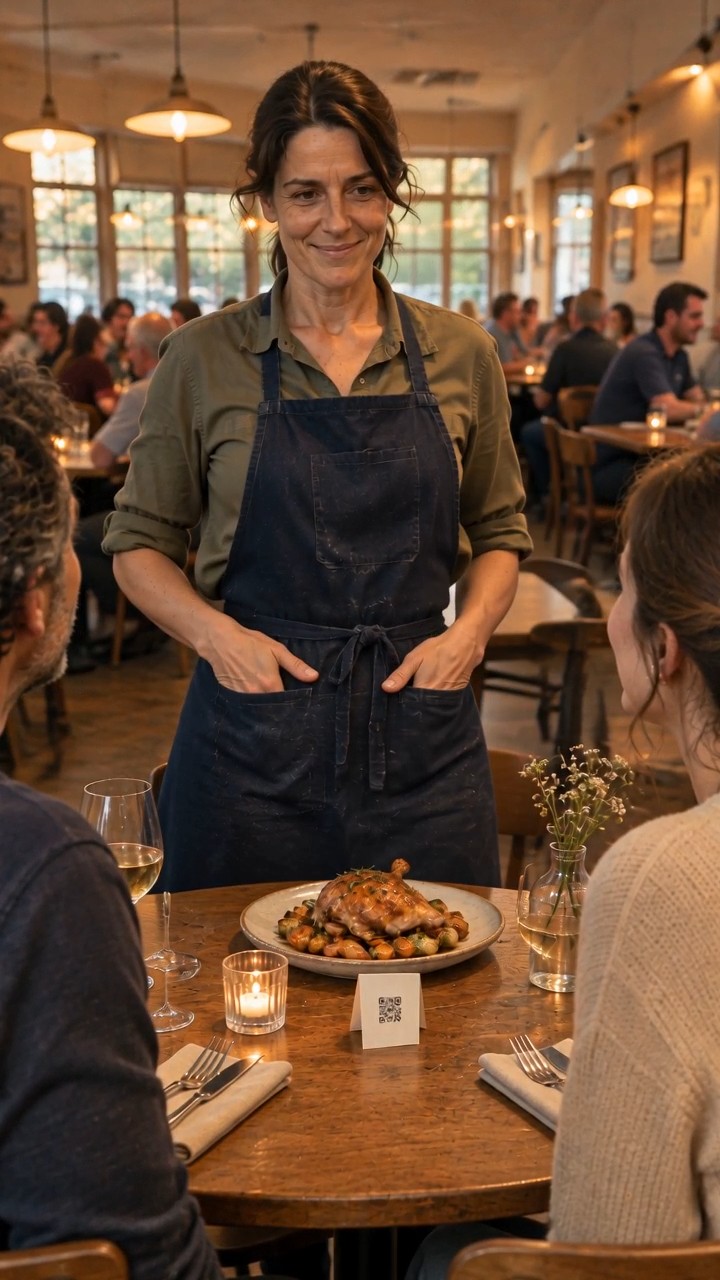
Table service is still the heart of a full-service or fast-casual dining room. More guests now expect to scan a code at the table to see the menu or place an order themselves, while others still want a server to take it by hand.
2. Orders at the counter
Walk-in guests, to-go orders and quick lunches usually go through the counter register. The counter is where cash, cards and receipts all meet, so it needs to be fast and dependable.
3. Orders placed online for pickup
Online ordering lets guests order ahead and pick up at a set time. It is convenient for guests, but if those orders arrive on a separate tablet, someone has to re-key them or carry them to the kitchen.
What a restaurant POS is responsible for
A restaurant POS is more than a cash register. On a busy night it has to hold the whole service together. In practical terms, that usually means:
- Taking orders from every channel: table, counter and online.
- Sending each order to the kitchen in a clear, consistent format.
- Giving the kitchen a single queue to work from, instead of paper tickets from three sources.
- Ringing up payments and printing receipts at the counter.
- Keeping the menu and prices consistent everywhere guests see them.
When those jobs are spread across separate devices that do not talk to each other, the staff becomes the integration layer. That is where tickets get lost.
What every EsyPay.app plan includes
According to the EsyPay.app pricing page, every plan includes these connected software features, all tied to the same EsyPay POS:
- Self-order kiosk software
- QR code ordering at each table
- A Kitchen Display System (KDS) panel
- TV menu and price displays
- Cash register software
- An online ordering website
Hardware is included only where a plan specifies it. The published monthly plans are:
Option 01: Bring Your Own Equipment ($80/month)
EsyPay cloud-based POS software for use on your own existing compatible devices. A device compatibility review is required, and hardware and payment terminals are not included.
Option 02: EsyPay Equipment Rental ($210/month)
Cloud POS software plus rented equipment: a cash register, a Kitchen Display System screen and a receipt printer. Payment terminals are not included.
Option 03: Complete POS and Processing ($270/month)
Cloud POS software plus a customer self-order kiosk, a cash register, a Kitchen Display System screen, a receipt printer and two payment terminals, with transaction processing through EsyPay. Processing rates depend on your business and are subject to underwriting, so check the pricing page and request a quote for details.
Prices on the pricing page do not include applicable taxes, shipping or third-party fees. Always confirm current details with the EsyPay team before you sign up.
Who this is for
- Owner-operators of independent full-service or fast-casual restaurants.
- Restaurants with one or two locations that take orders at the table, at the counter and online.
- Teams that are tired of paper tickets, re-keyed online orders and separate devices that do not share information.
Questions to ask before choosing a restaurant POS
- Do all my order channels reach one kitchen queue? Table, counter and online orders should land in the same place.
- What hardware do I already own, and is it compatible? Reusing equipment can make sense, but only if it works reliably with the software.
- What exactly is included each month? Compare software, equipment rental and payment terminals line by line.
- How is card data protected? Ask how the system supports the PCI Data Security Standard for handling card payments.
- What happens on a busy night? Ask how the kitchen display handles a rush and how orders are prioritized.
- How do setup and support work? Find out who installs the system, who trains your staff and who to call when something goes wrong.
If you are planning a bigger change to how you run the business, the U.S. Small Business Administration has a helpful guide on managing your business, including finances and operations.
Frequently asked questions
What is a restaurant POS?
A restaurant point-of-sale system takes orders, sends them to the kitchen and handles payments. Modern restaurant POS systems also connect table ordering, counter orders and online ordering in one place.
Does every EsyPay.app plan include QR ordering and online ordering?
Yes. The EsyPay.app pricing page lists QR code ordering at each table and an online ordering website among the software features included in every plan.
Is a kitchen display screen included?
Every plan includes Kitchen Display System software. A KDS screen is part of the rented equipment in Option 02 and Option 03. With Option 01 you use your own compatible devices.
Can I use the equipment I already have?
Option 01 is designed for that. Your devices need to pass a compatibility review by EsyPay first.
How do I find out which plan fits my restaurant?
Tell the EsyPay team about your restaurant, your current equipment and how you take orders, and they can recommend an option.
Get your free quote from EsyPay.app
If your restaurant takes orders at the table, at the counter and online, it is worth seeing what it looks like when all of it reaches the same kitchen. Get your free quote in a few minutes, explore EsyPay.app, or contact the EsyPay team with your questions.